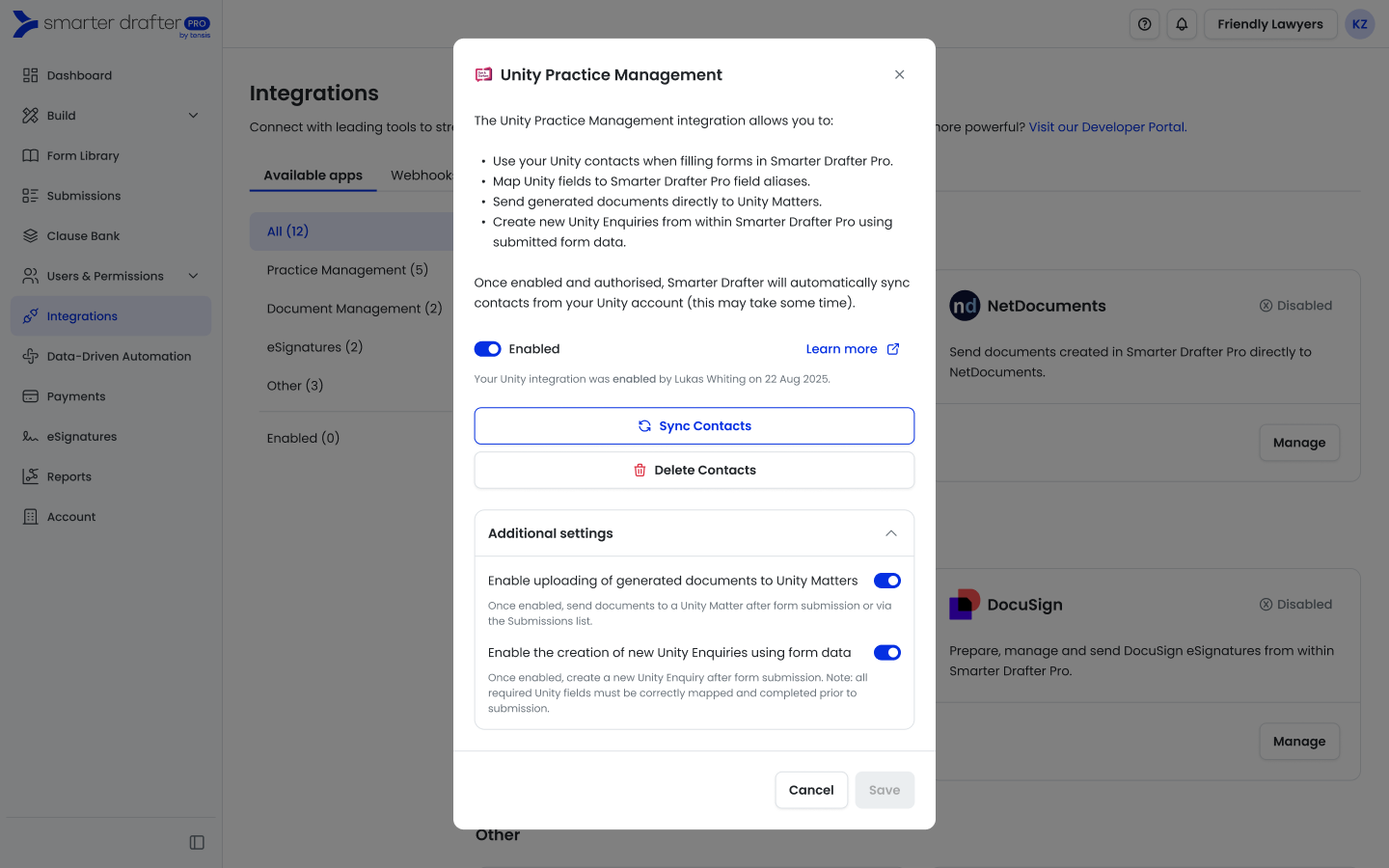
Enhance your legal document workflow with the native Smarter Drafter and Unity Practice Management System integration. This deep connection allows you to bridge the gap between your matter management and document automation, ensuring a seamless flow of data across your practice.
By enabling this integration, you can directly select your Unity Matters during the form submission process. Smarter Drafter will automatically pull in relevant Unity Contacts and allow you to map specific data fields from Unity directly into your forms. This powerful mapping capability eliminates redundant data entry, reduces the risk of manual errors, and ensures your documents are always populated with precise information straight from your Unity files.
1. Navigate to Integrations and search for Unity
2. Click on Manage and and Enable
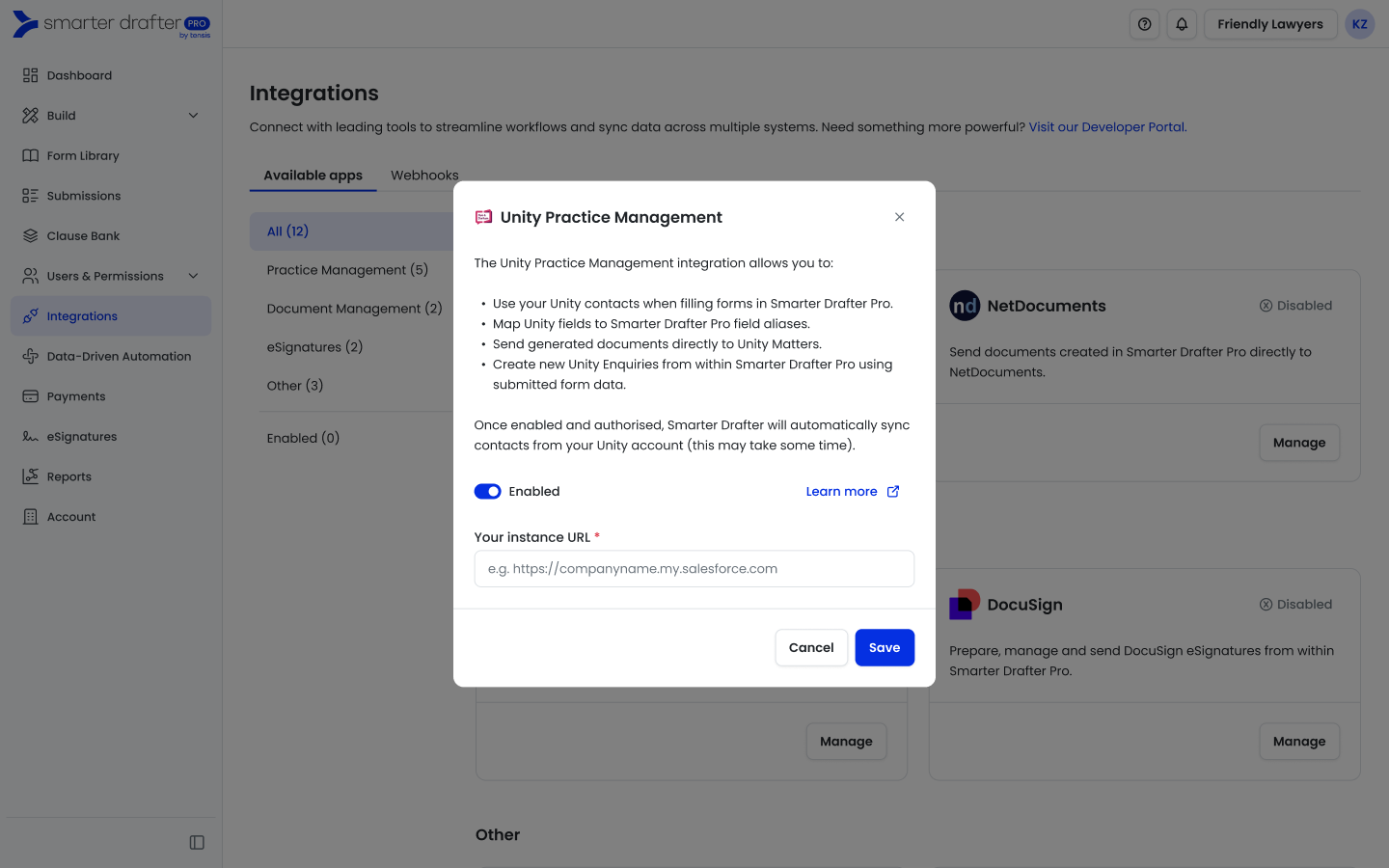
3. Enter your Unity URL
4. Click on Save and Authenticate to Unity
5. Once enabled, you can access additional settings to allow generated documents to be sent to Unity matters and create new Unity enquiries